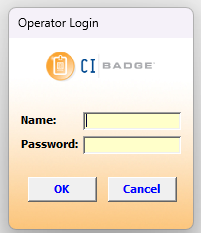
This article is for our legacy desktop software. If you are a new client or your log in screen does not look like the below, please refer to the articles here: Knowledge Base - Badge
Enable Macros in Microsoft Access
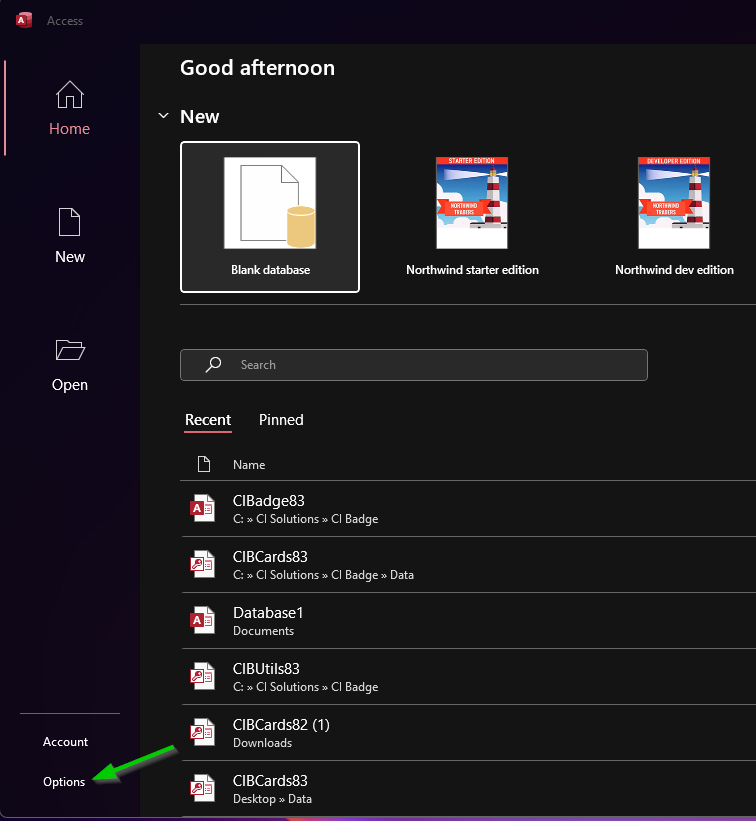
1. Open Microsoft Access > Click Options
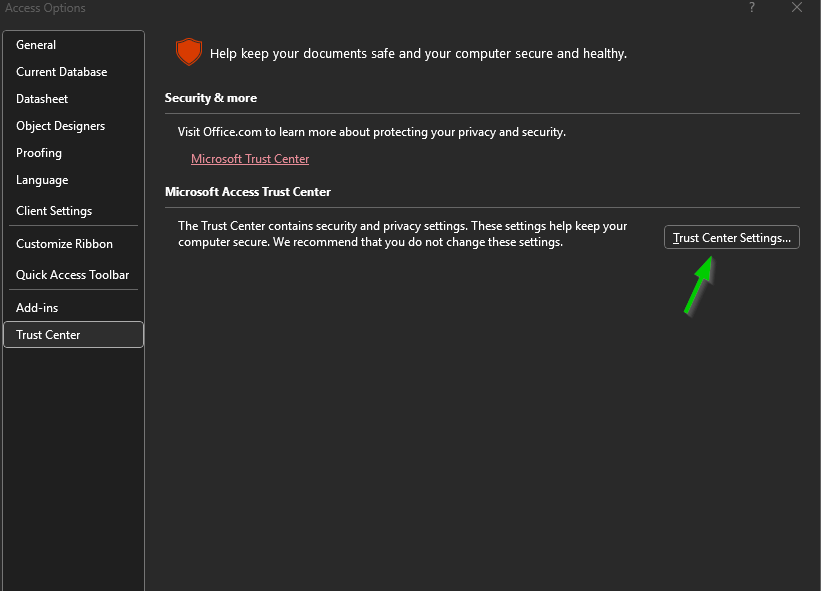
2. Select Trust Center > Click Trust Centers Settings...
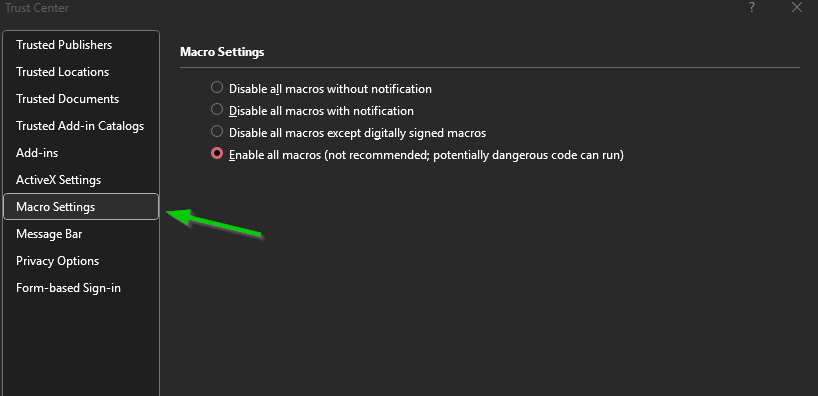
3. Select Macro Settings > Select Enable all macros
6. Click OK
- Click Save if MS Access ask for confirmation
Was this article helpful?
That’s Great!
Thank you for your feedback
Sorry! We couldn't be helpful
Thank you for your feedback
Feedback sent
We appreciate your effort and will try to fix the article