This article is for our legacy desktop software. If you are a new client or your log in screen does not look like the below, please refer to the articles here: Knowledge Base - Badge
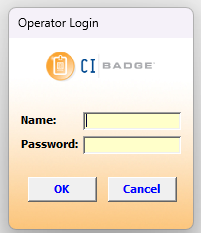
1. Login to CI Badge as Admin

2. Click Settings > Select Operators

3. Click Add Operator > Type and Enter the Operator Information > Click Save Operator
 |  |
4. Click Exit to save the changes

Was this article helpful?
That’s Great!
Thank you for your feedback
Sorry! We couldn't be helpful
Thank you for your feedback
Feedback sent
We appreciate your effort and will try to fix the article