This article for the printer being offline in the Printers & Scanners
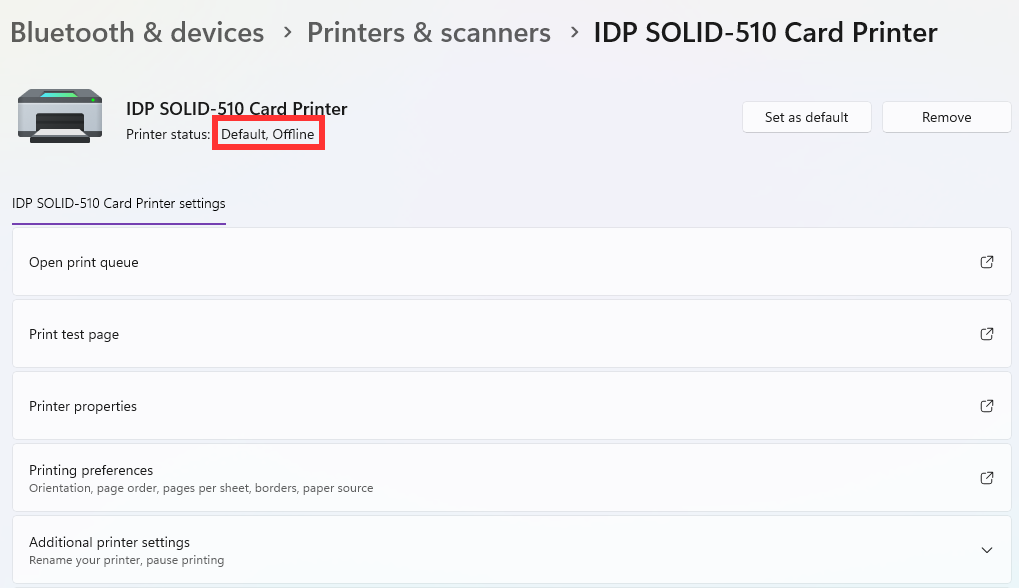
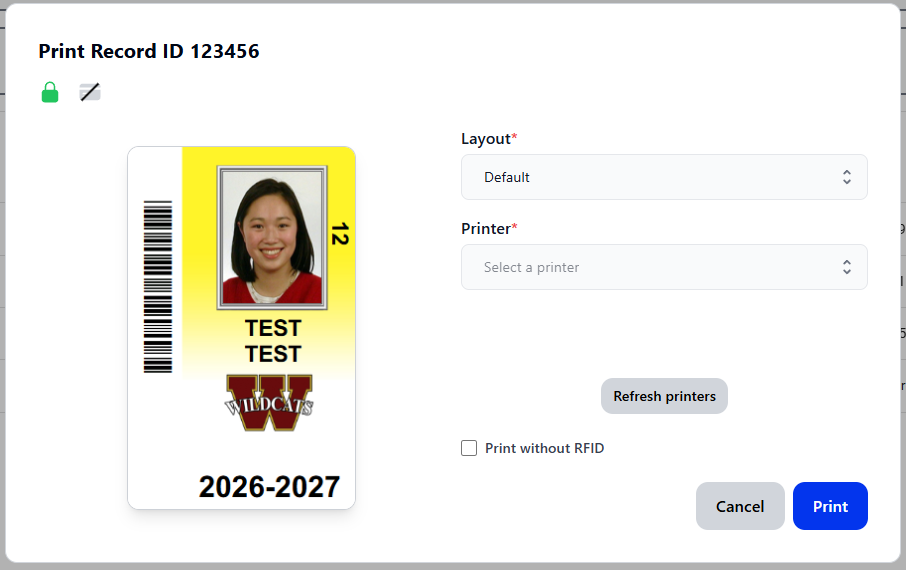
If your printer is offline in Badge (like the below), see: New ID Print: General Troubleshooting
Restart the Printer
1. Power cycle the printer by unplugging both cords from the back
2. Wait several seconds then plug the printer back in again

Test another Port or Cable
1. Plug the printer's USB cable into another USB port on your computer. Ensure your printer is connected directly to the computer, and not through a doc or hub.
2. Switch out the printer cable for another Type-A USB cable, one can be requested from your local IT Team
Reinstall the Printer Driver
1. Download and install the latest CIX900 Driver
If the printer is still offline after these steps, submit a ticket here.Was this article helpful?
That’s Great!
Thank you for your feedback
Sorry! We couldn't be helpful
Thank you for your feedback
Feedback sent
We appreciate your effort and will try to fix the article