Follow these steps only if you feel comfortable working with hardware.
Locate the RFID Board
1. Push the top cover button where the ribbon sits and remove the ribbon
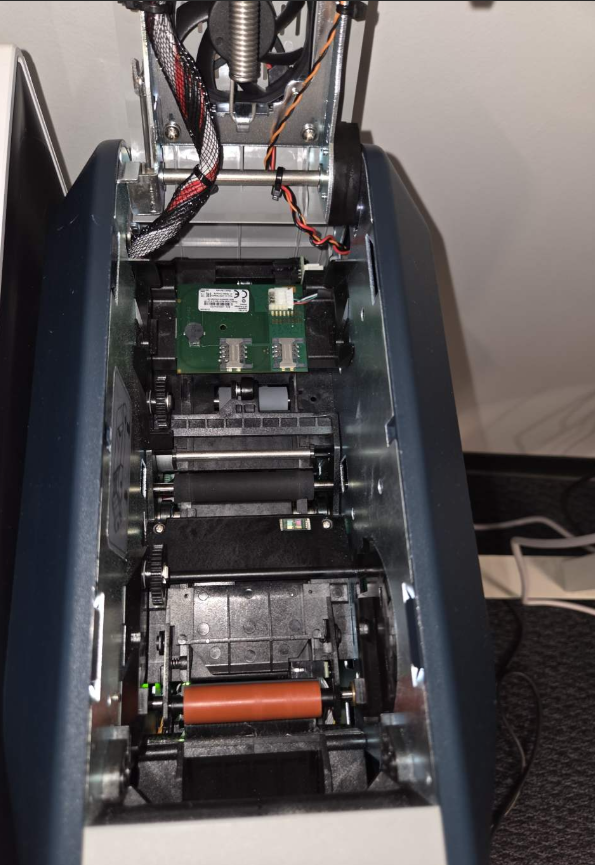
2. Locate the green RFID board at the back of the printer
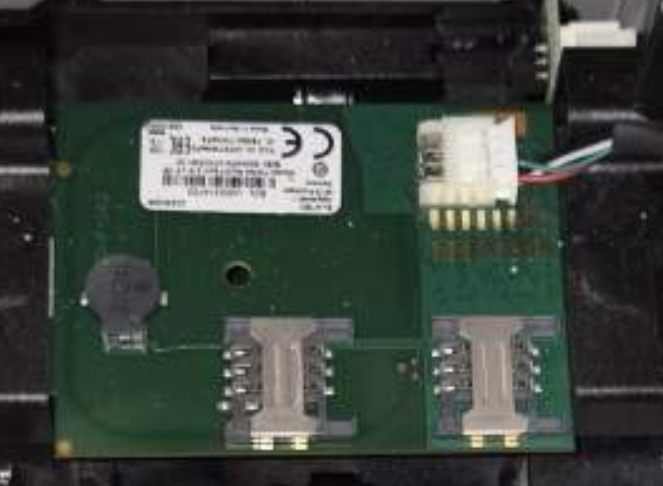
Secure the RFID Board
1. Check that the pin in the top right corner is fully inserted.
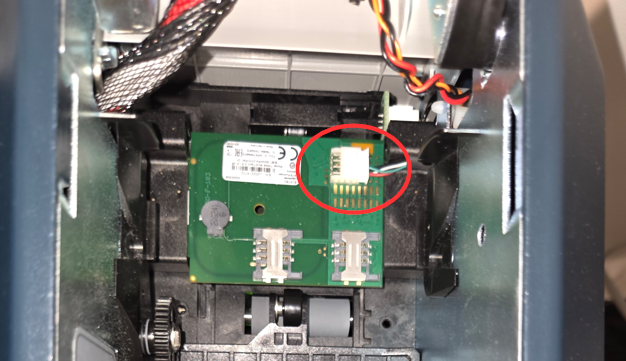
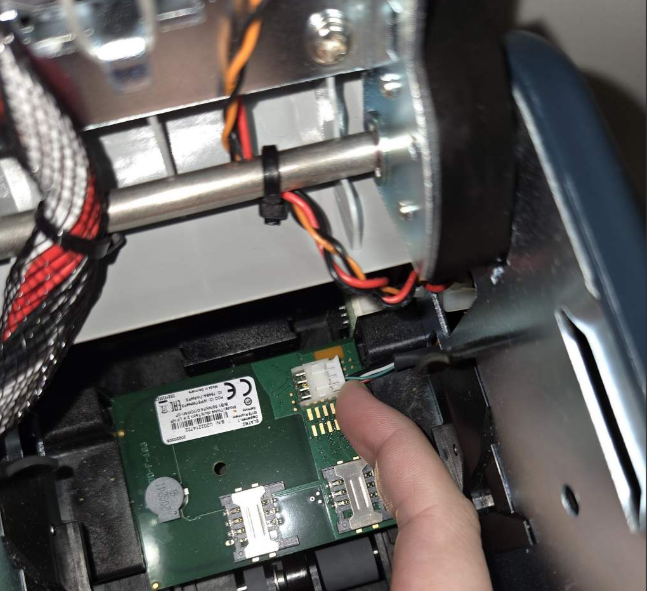
2. Try pushing it in further if possible by putting a finger on one side of the wire and pushing in, again on the other side of the wire (both sides of the pin)
Check to see if the TWN4 appears
1. Visit https://webserial.io/
2. Select Serial Port...
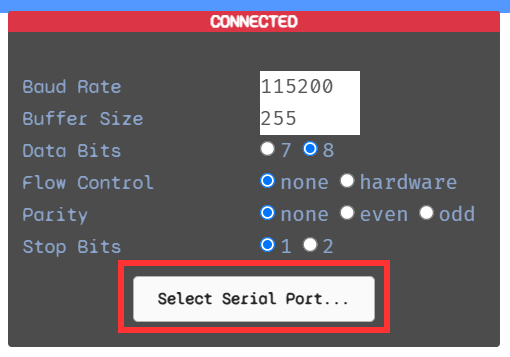
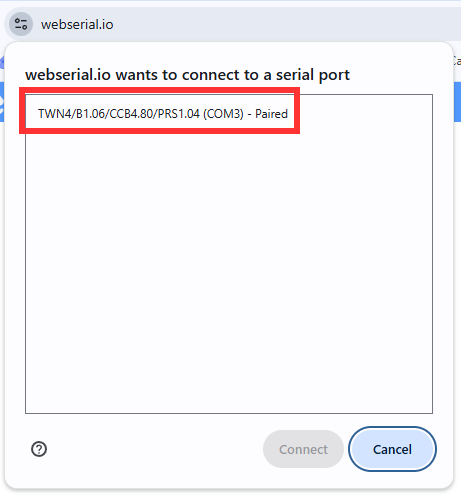
3. Ensure a TWN4 is listed
Was this article helpful?
That’s Great!
Thank you for your feedback
Sorry! We couldn't be helpful
Thank you for your feedback
Feedback sent
We appreciate your effort and will try to fix the article