Uninstall the Print Service
When moving to a new version of the Print Service, the previous version must be uninstalled before installing the new version

You might need Admin credentials to do this
1. Go to Control Panel
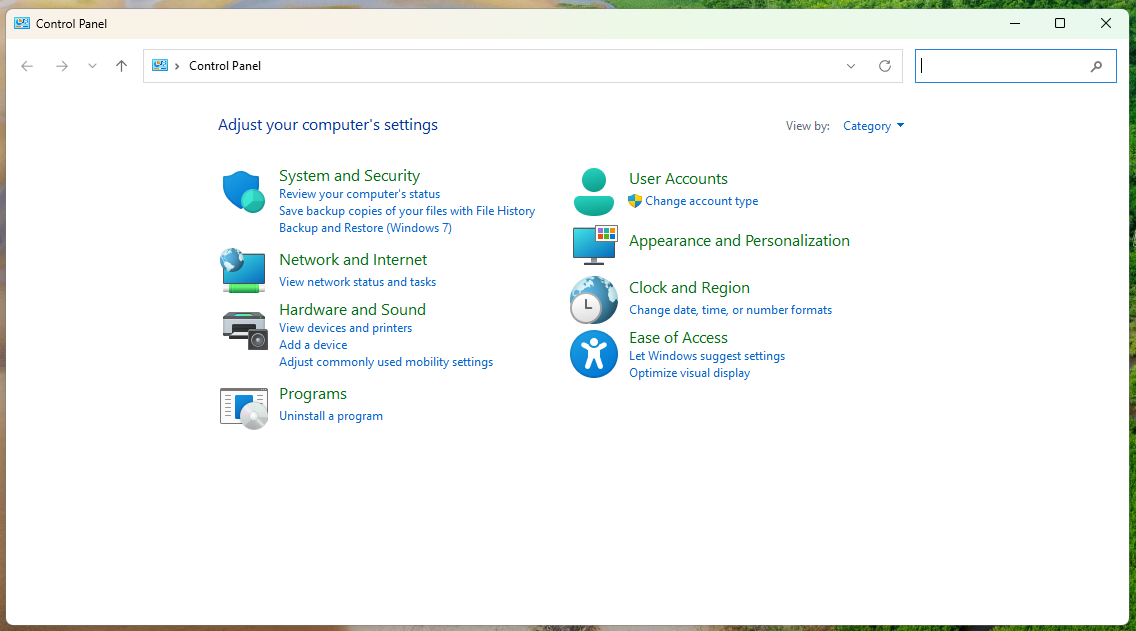
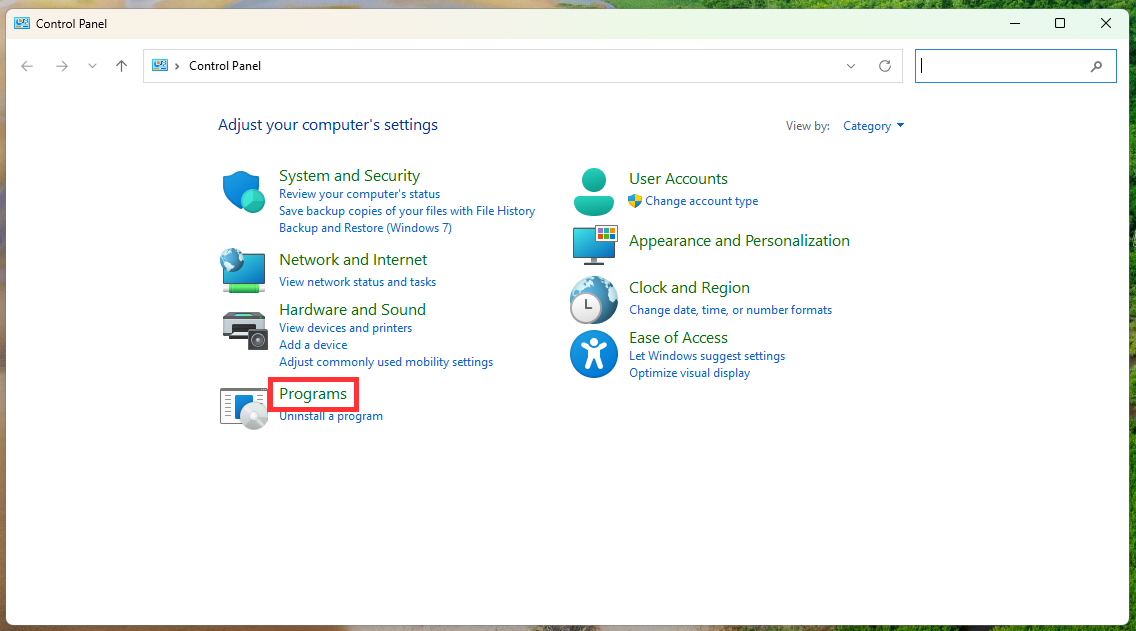
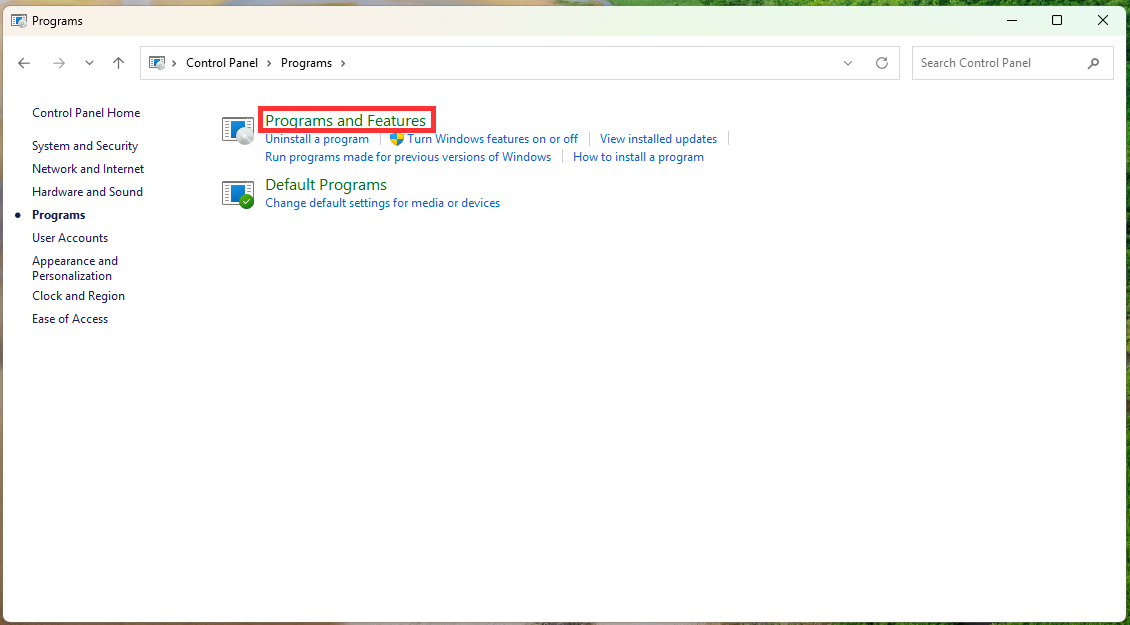
2. Visit Programs > Programs and Features
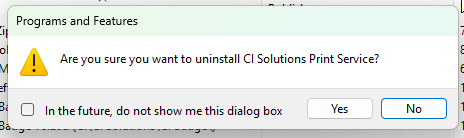
3. Locate the CI Solutions Print Service, right click it and Uninstall
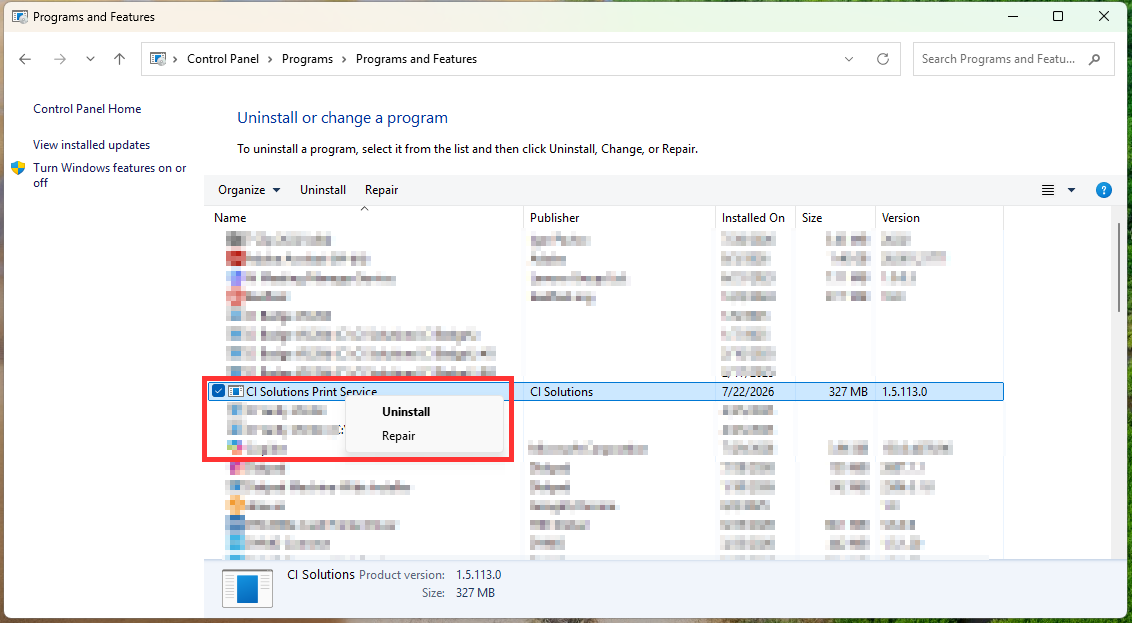
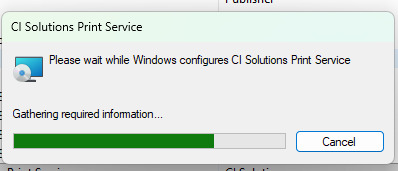
4. Allow the Print Service to be removed. Check that it is no longer listed under Programs and Features.
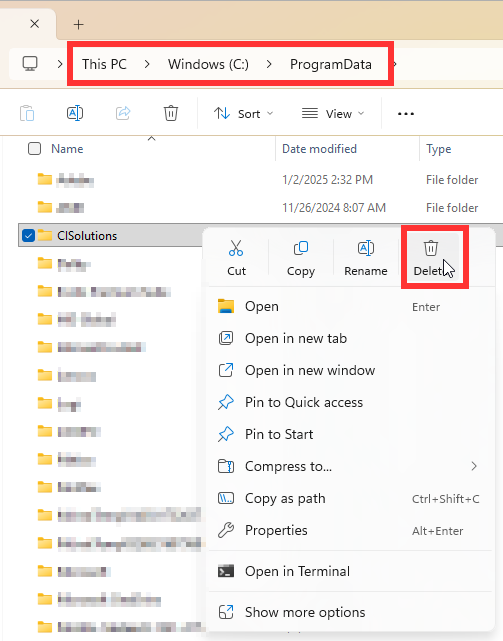
5. In your File Explorer, go to C Drive > ProgramData and delete the entire CI Solutions folder
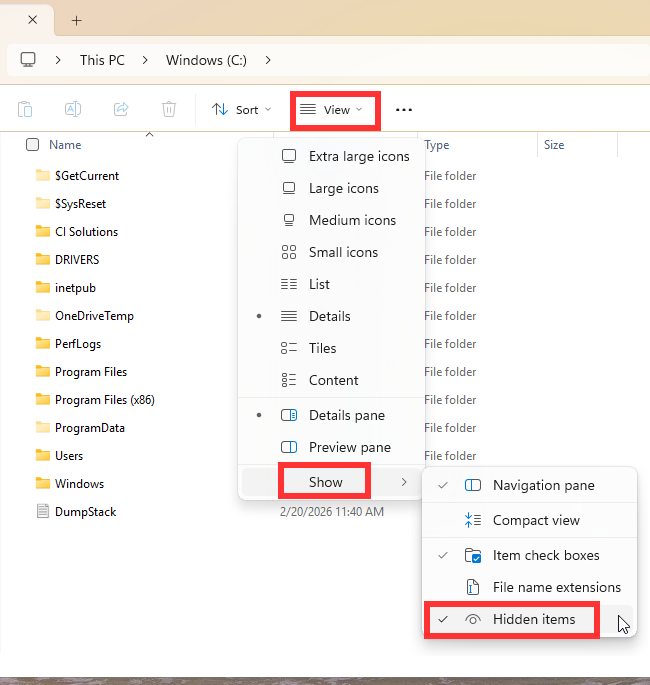
5a. If you do not see the ProgramData folder, go to View > Show > check Hidden Items and it should appear
6. If you are upgrading the print service, you can now install the newer version
Was this article helpful?
That’s Great!
Thank you for your feedback
Sorry! We couldn't be helpful
Thank you for your feedback
Feedback sent
We appreciate your effort and will try to fix the article