In ID Print, Badge Users can manually add records
- If you are a Badge Owner or have been given permission as a Badge Operators, you can add records in Secure Share as well
- Some organizations do not allow for users to add records
Add Records
1. Click ENTER in the ID Print module

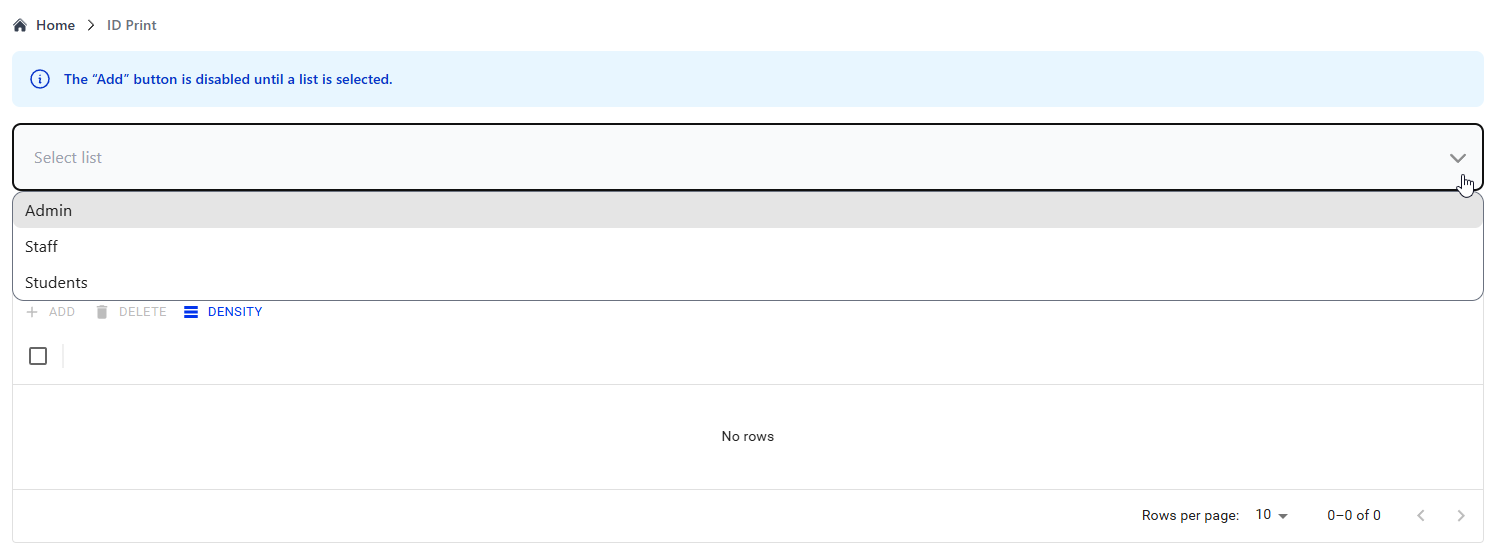
2. Click on the drop-down menu to Select a List (e.g., school, staff, district, office) you want to view
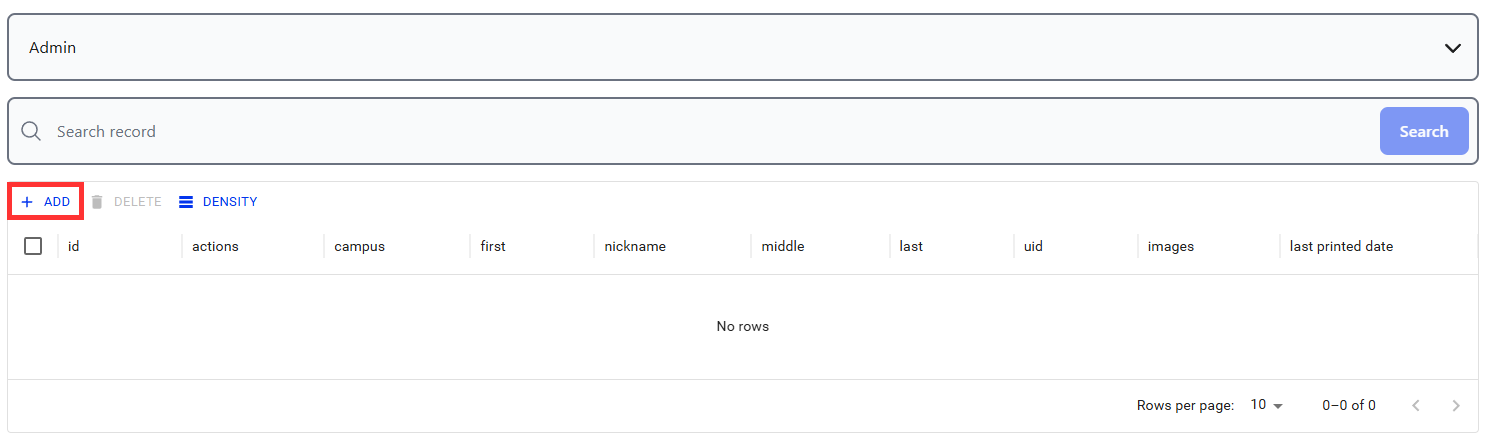
3. On the right side above the List > Click ADD
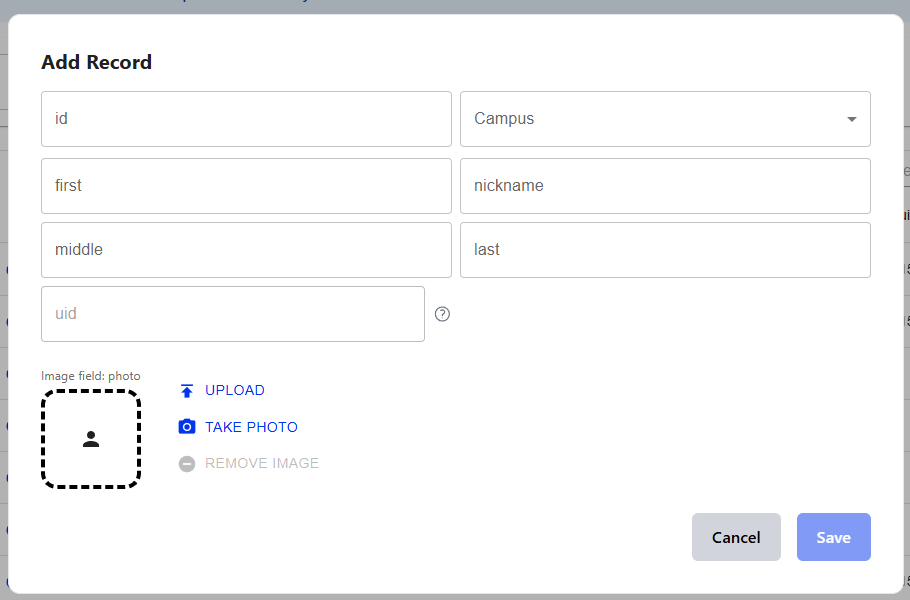
- The Record's information will open, where you can input information.
4. Add the record's information in the input field, ID and Campus are required
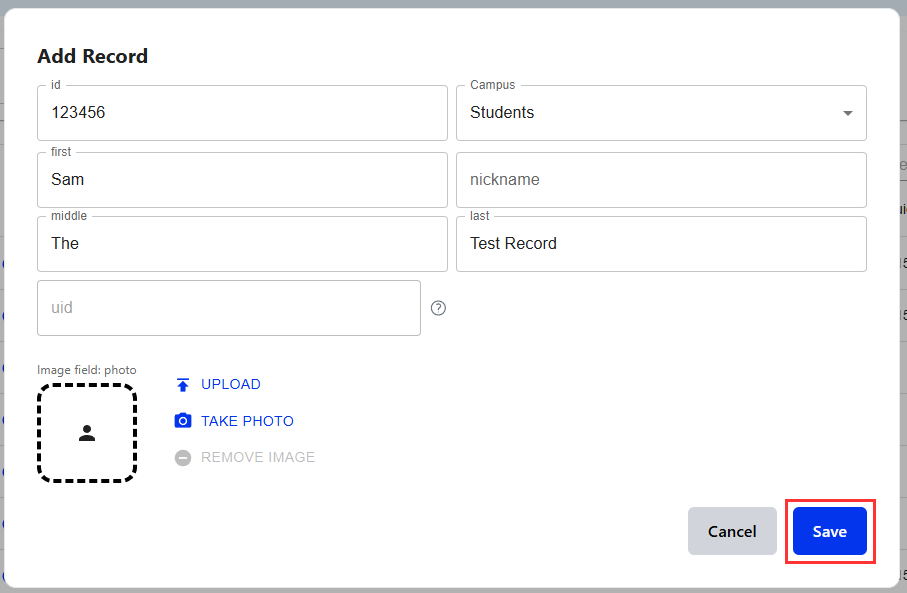
5. Click SAVE
Was this article helpful?
That’s Great!
Thank you for your feedback
Sorry! We couldn't be helpful
Thank you for your feedback
Feedback sent
We appreciate your effort and will try to fix the article